 by
by A good home office setup makes the difference between a space you dread and one you actually want to work in. This guide covers everything from layout and lighting to furniture and finishing touches, so you can build a home office that suits how you actually work.
Start With How You Actually Work
Before choosing furniture or colours, think about your daily tasks. Do you spend most of your day on video calls? Do you need space to spread out paperwork? Answering these questions first helps you avoid buying furniture that looks good but doesn’t suit your routine.
Choosing the Right Spot in Your Home
A spare room is ideal, but not everyone has one. A quiet corner, an alcove, or even a converted cupboard can work well, as long as it’s away from household distractions. If space is tight, our guide to small home office ideas covers clever layouts for compact areas specifically.
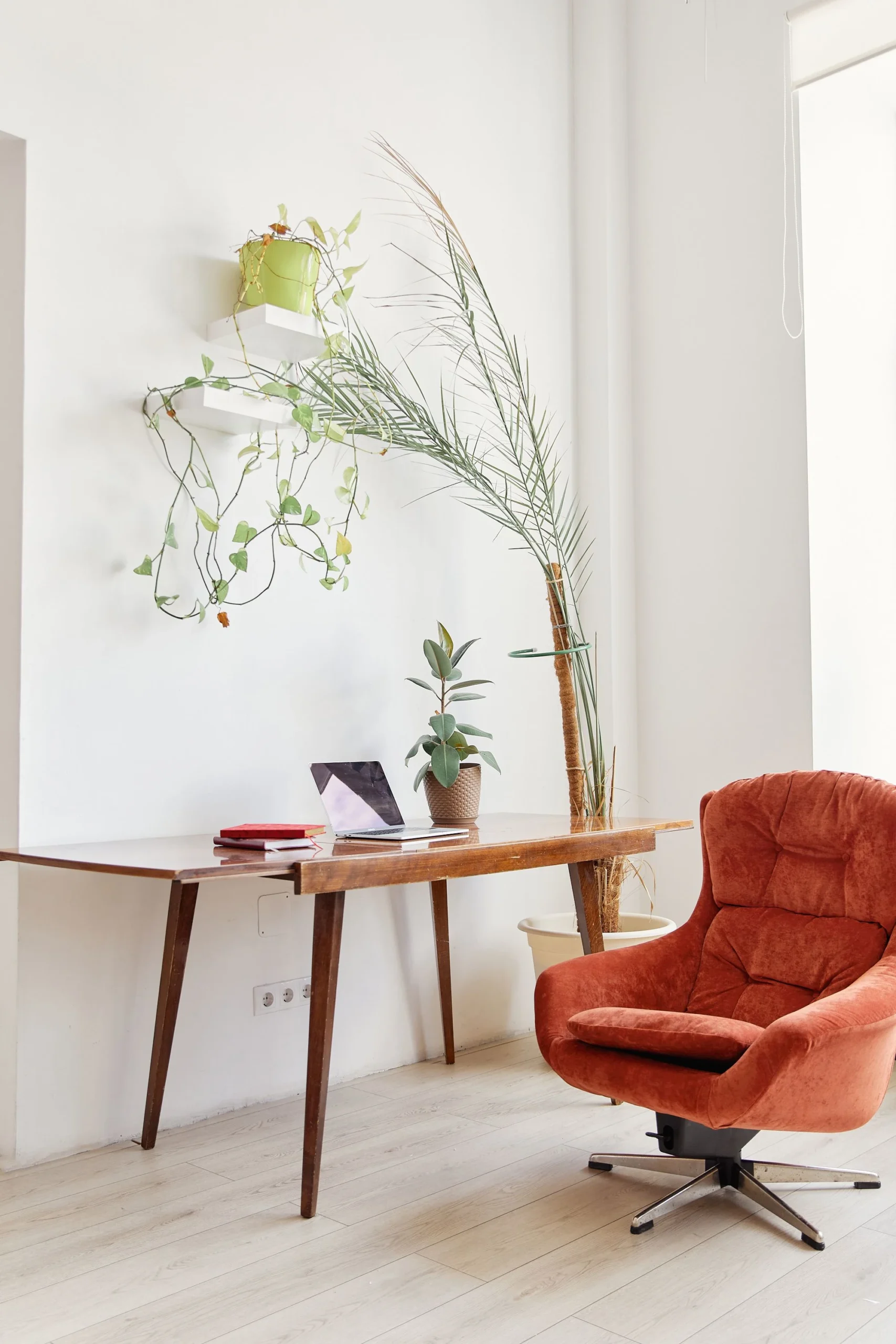
Essential Home Office Furniture
- Desk – choose a size that fits your space without overwhelming it; see our guide to choosing a home office desk for more detail
- Chair – prioritise proper back and seat support over style, since you’ll likely spend hours in it
- Storage – shelving or a small filing unit keeps paperwork from taking over your desk
- Lighting – a mix of natural light and a good desk lamp reduces eye strain
Lighting and Layout Basics
Position your desk near a window where possible, but avoid facing directly into the light, since this causes glare on screens. Task lighting, such as an adjustable desk lamp, helps on darker days or in the evening. The UK’s Health and Safety Executive (HSE) also publishes guidance on Display Screen Equipment (DSE), covering screen positioning, posture, and break patterns, which is a useful reference even for a home setup.
Colour and Style Choices
Calm, muted colours tend to support focus better than bright, busy tones. However, a single accent colour or piece of art can keep the space from feeling too clinical. For more layout and design-specific advice, see our guide on how to design a home office that works.
Keeping Work and Home Life Separate
Where possible, avoid setting up your office in a bedroom, since this can blur the line between work and rest. If a dedicated room isn’t an option, a room divider or even a well-placed bookshelf can create a visual boundary.
Budget-Friendly Ways to Improve a Home Office
- Add a plant or two to improve air quality and mood
- Use a cable organiser to keep the desk area tidy
- Swap a harsh overhead light for a warmer desk lamp
- Add a rug to define the space, especially in an open-plan area
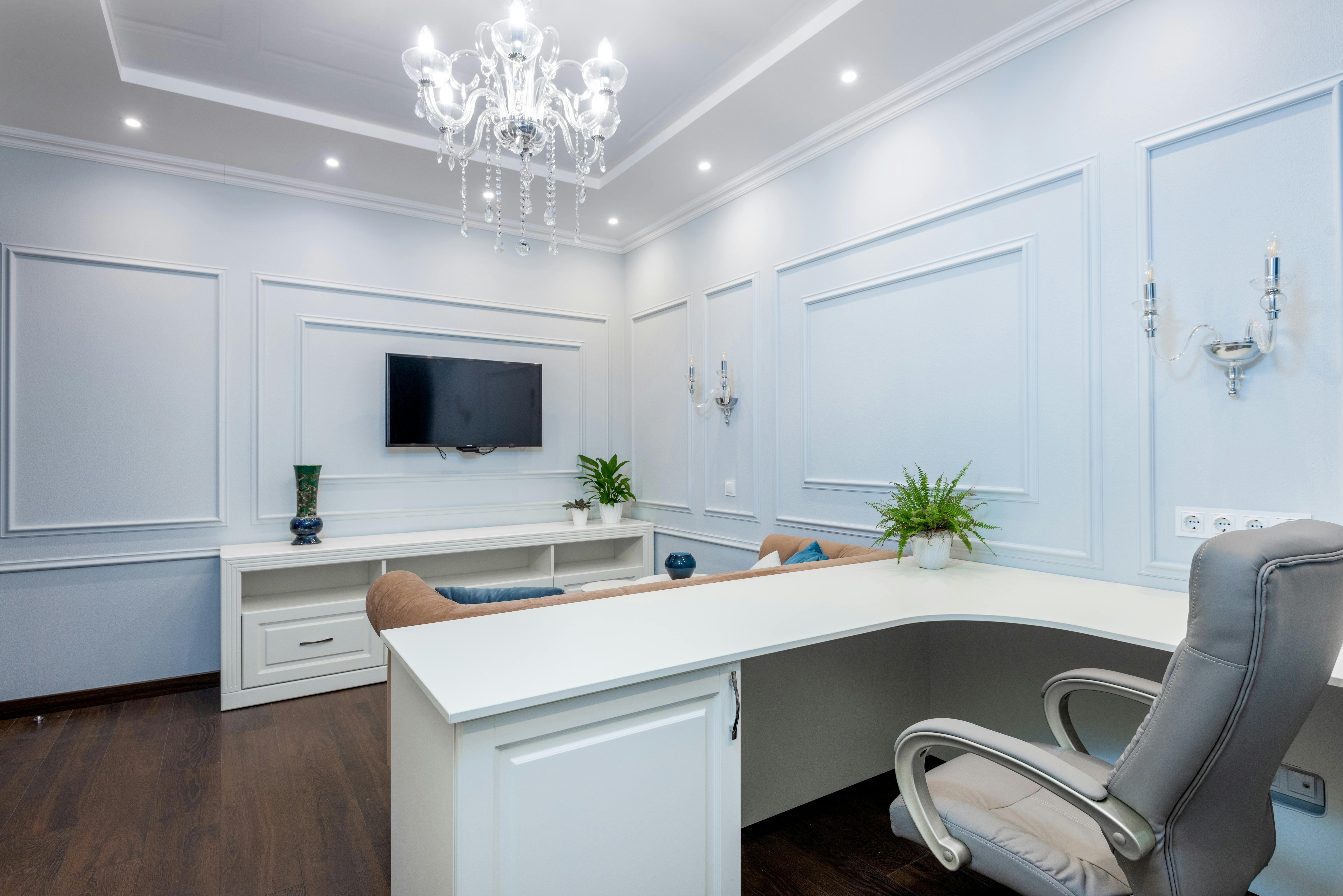
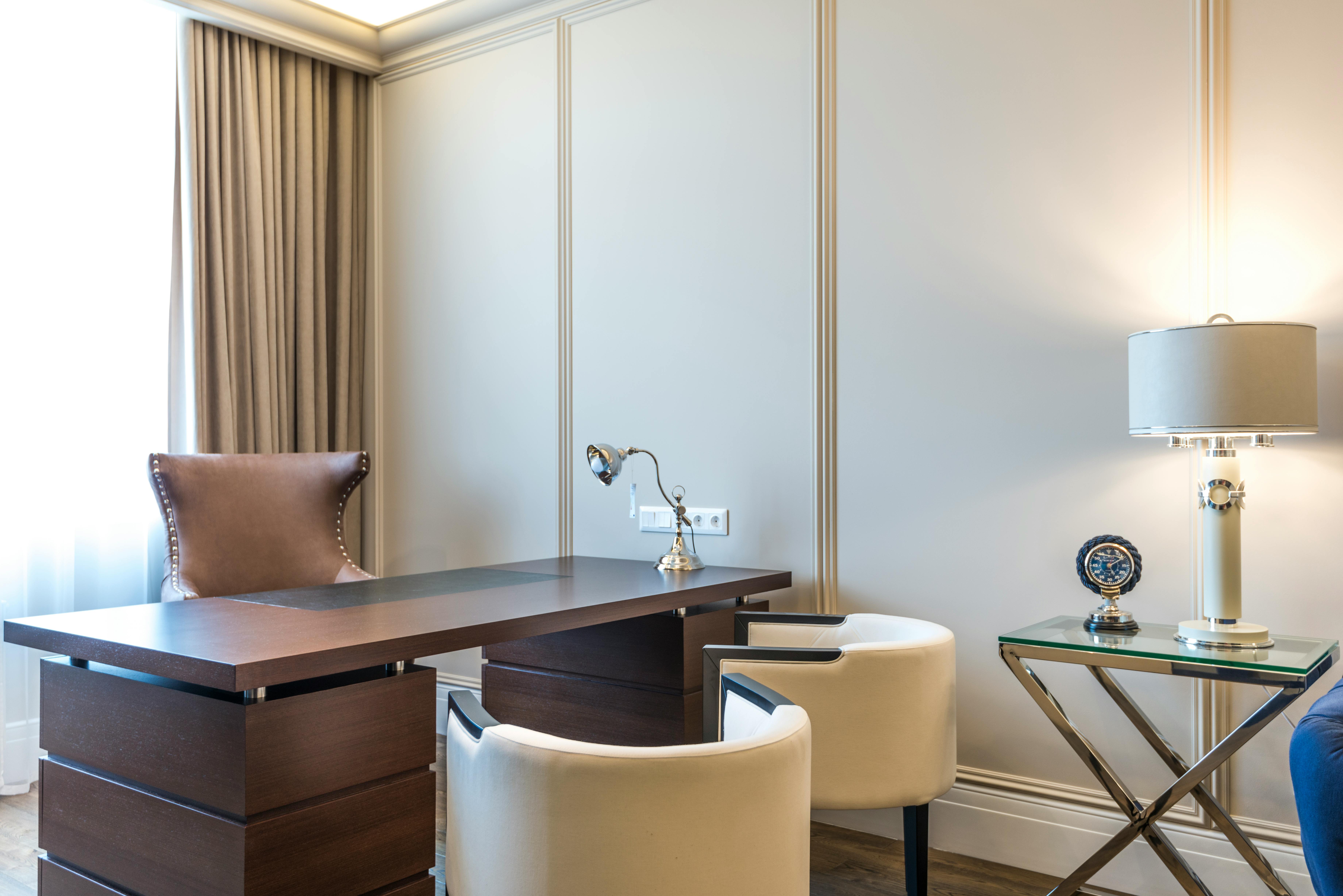
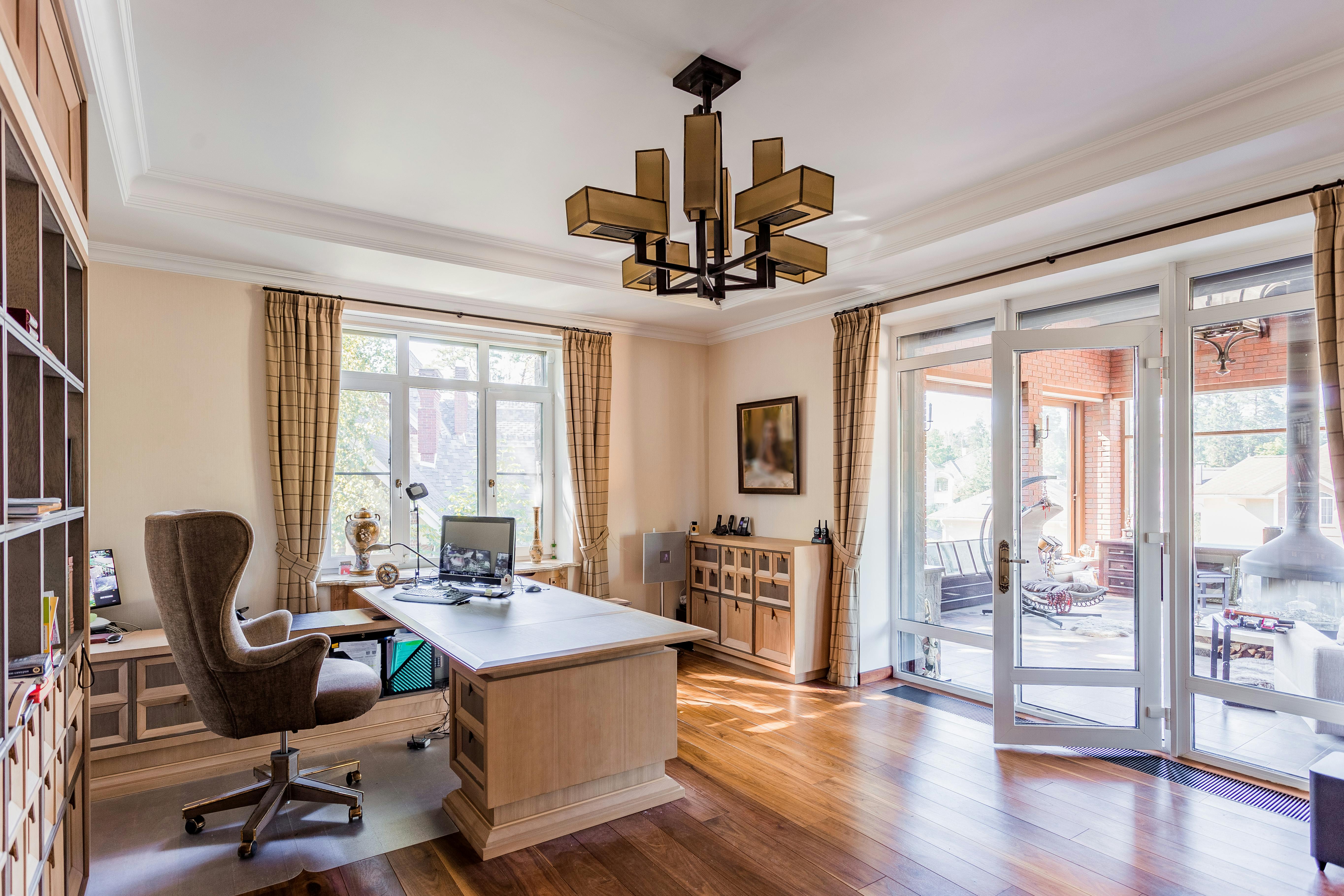
For real examples to spark ideas, take a look at our home office inspiration setups.
The 5-Minute Office Reset Routine
A tidy office is a system, not a personality trait. Each evening, spend five minutes: file or bin loose papers, return everything to its home, wipe the desk, plug in devices, and write tomorrow’s top three tasks. This tiny ritual means every morning starts clean — psychologically huge. Keep a small “inbox” tray for the day’s accumulation so papers have somewhere to land other than the desk surface. The routine matters more than any organiser you could buy.
Dual-Purpose Rooms: Office by Day, Bedroom by Night
The spare-room office is the most common UK setup — and the trickiest to get right. Zone it visually: a rug under the desk area, different wall colour, or a folding screen signals “office” without building walls. Choose a daybed over a sofa bed for better sitting comfort. Keep work gear fully stowable — laptop in a drawer, papers in a closed box — so guests do not sleep in your office. And protect sleep: no glowing standby lights, and ideally the desk does not face the bed.
Ergonomic Upgrades Under £50
You do not need £500 to fix your posture. A laptop stand (£20–£35) plus separate keyboard and mouse transforms the worst ergonomic offender — the hunched laptop — instantly. A lumbar cushion (£15–£25) rescues mediocre chairs. A footrest (£15) helps shorter users keep feet flat. Monitor risers, wrist rests and daylight bulbs complete the kit. Total: under £100 for an office that treats your body markedly better than a £1,000 aesthetic setup with poor ergonomics.
Inspiring Real Home Offices: Common Threads
Look at home offices people actually love working in and patterns emerge. Natural light is near-universal — desks face windows or sit perpendicular to them. Closed storage dominates; the beautiful offices hide their clutter. One personal touch — art, a plant, a meaningful object — appears in nearly all of them, but never ten. And cables are invisible in every single one. Copy these four threads before copying any specific style, and your office will feel right whatever its look.
Planning for Growth: Freelance to Team
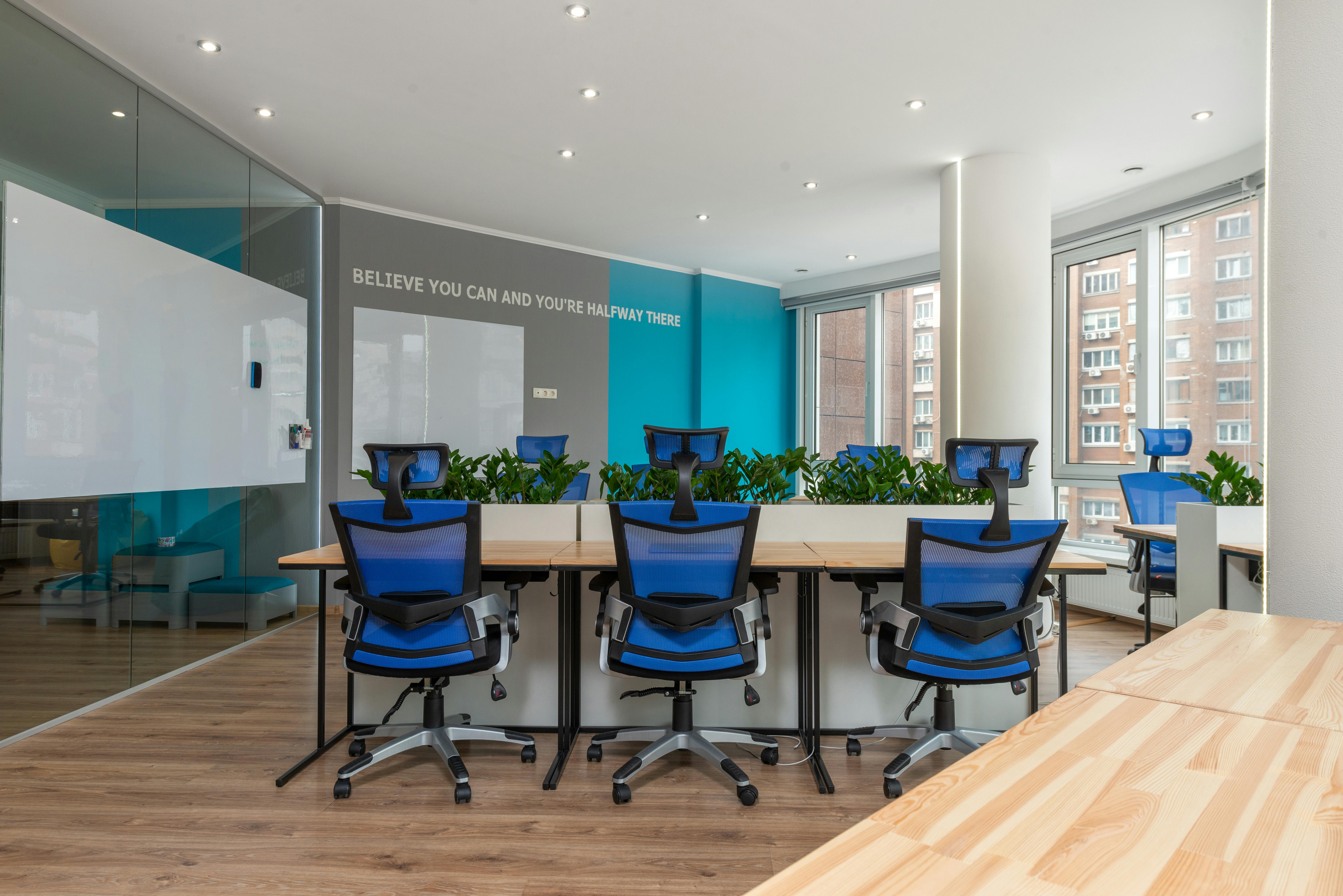
If your one-person operation might grow, plan the space now. Leave one wall free for a future second desk; choose a desk that can pair with an identical one later. Run extra power and data points while decorating — retrofitting is five times the hassle. Consider acoustics early: two people on calls in one room needs either separation or excellent headsets. Even if growth never comes, the flexibility costs nothing and the forethought shows. For visual inspiration to fuel the planning, browse our home office inspiration gallery.
Frequently Asked Questions
What is the most important piece of home office furniture?
A supportive chair is usually the most important investment, since poor seating can lead to discomfort over long working hours.
How much space do I need for a home office?
A functional home office can fit into as little as one square metre if you choose compact, wall-mounted furniture, though 2-3 square metres allows more comfortable movement.
Should a home office be near a window?
Yes, natural light generally improves focus and mood, though the desk should be angled to avoid glare on your screen.
How do I set up a home office in a small space?
Prioritise: ergonomic seating, a properly positioned desk, and good lighting. Use vertical storage, keep the palette light, and choose furniture that can fold or tuck away.
What do I need for a basic home office?
A comfortable chair, a desk at the right height, decent lighting, and reliable internet. Everything else — monitors, plants, decor — is optimisation, not requirement.
How can I make my home office more comfortable?
Start with ergonomics: chair support, screen at eye level, feet flat. Then add layers — a rug for warmth, a plant for life, and lighting you can adjust through the day.
Related Home Office Guides
- Small Home Office Ideas for Compact Spaces
- How to Design a Home Office That Actually Works
- Home Office Inspiration Setups to Steal
- Choosing the Right Desk for Your Home Office