 by
by Good home office design goes beyond picking nice furniture. It’s about creating a layout that supports focus, comfort, and productivity throughout the working day. Here’s how to approach the design process step by step.
Start With Function, Not Furniture
Before choosing a single item, map out how you’ll actually use the space. Consider your daily tasks, whether you take calls, and how much storage you realistically need. This groundwork prevents costly furniture mistakes later. For general setup ideas first, see our home office ideas guide.
Desk Placement and Orientation
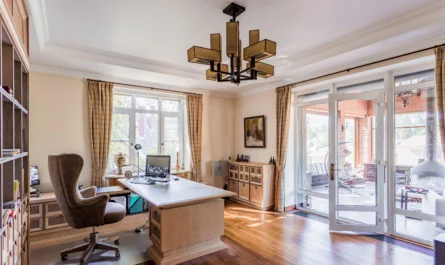
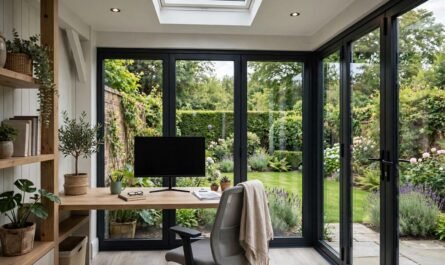
Where possible, position your desk perpendicular to a window rather than directly facing it, since this reduces screen glare while still making use of natural light. If you’re on frequent video calls, think about what’s visible behind you, too.
Ergonomics: The Non-Negotiables
- Monitor at eye level, to avoid neck strain
- Chair height allowing feet to rest flat on the floor
- Desk height that keeps elbows at roughly 90 degrees while typing
- Enough legroom to shift position comfortably throughout the day
These broadly follow the UK Health and Safety Executive’s Display Screen Equipment (DSE) guidance, which is worth reviewing even for a home setup. Our guide to choosing the right desk for a home office covers sizing considerations in more depth.
Storage That Actually Gets Used
Storage only works if it’s easy to access. Open shelving suits items you use daily, while closed cabinets work better for paperwork and supplies you want out of sight. Avoid over-designing storage you won’t realistically maintain.
Colour Psychology in a Home Office
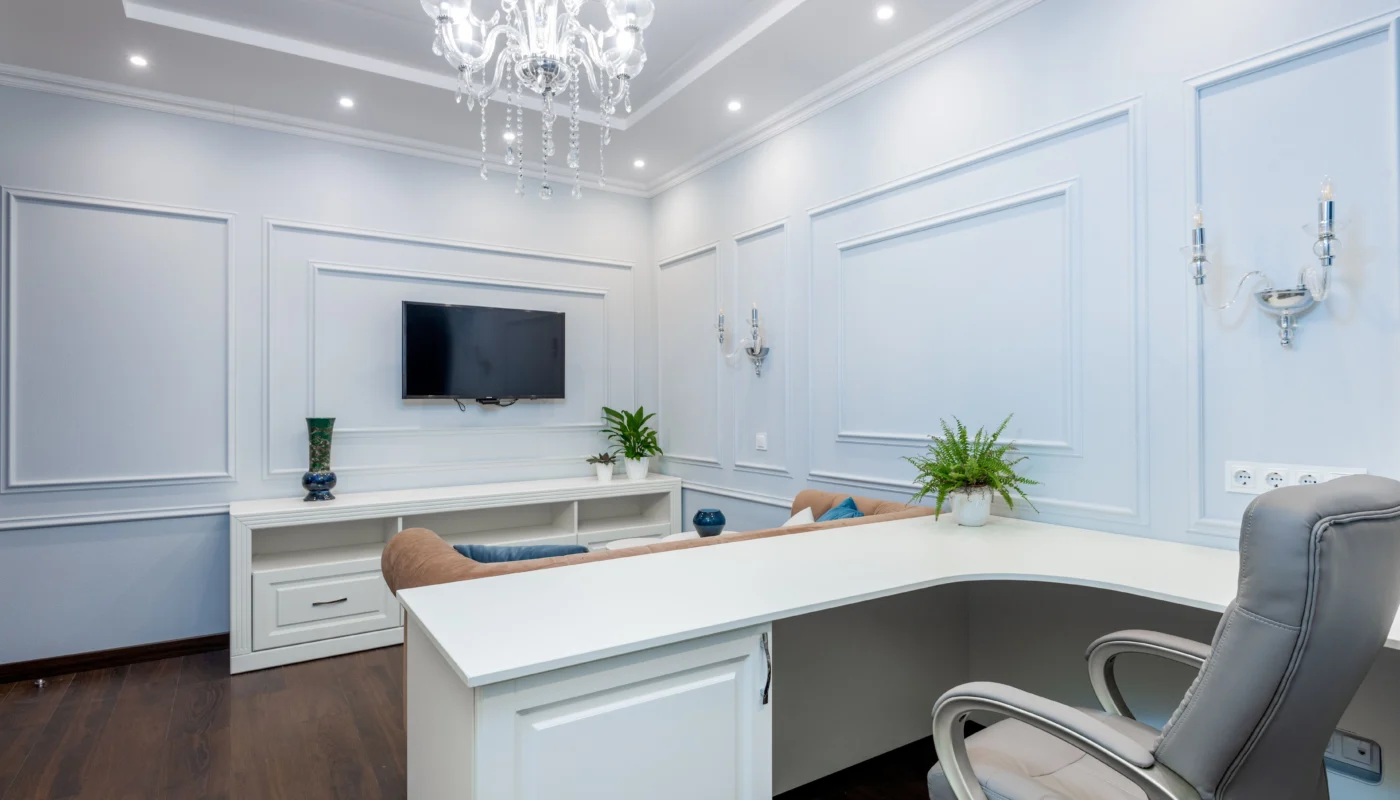
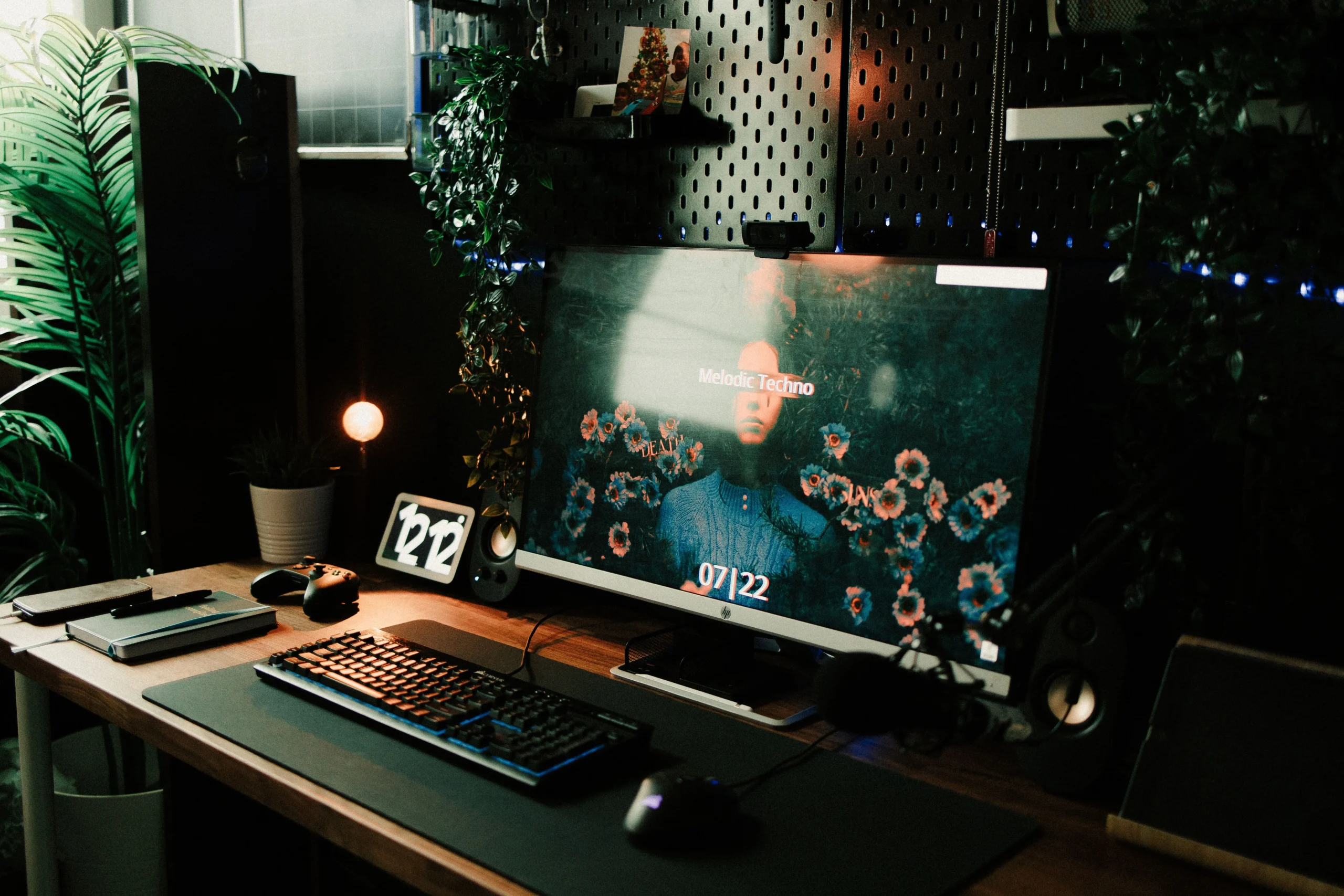
Cooler tones, such as soft blues and greens, tend to support calm focus, while warmer tones can feel more energising. Neither is objectively “correct” — the right choice depends on whether your work leans towards deep focus or creative energy.
Designing for Video Calls
If calls are a regular part of your work, think about your background, lighting, and sound. A simple backdrop, a light source facing you rather than behind you, and a rug or soft furnishings to reduce echo all make a noticeable difference.
Bringing It All Together
Once the layout and furniture are sorted, small finishing touches, such as a plant, artwork, or a textured rug, help the space feel like part of your home rather than a purely functional add-on. For real-world layout examples, browse our home office inspiration setups.
Designing for Two: Shared Home Offices
Two people sharing one office needs deliberate planning. Back-to-back desks suit collaborators; side-by-side suits independent workers who occasionally ask questions. Each person needs their own task lighting and roughly 120cm of desk width minimum — less breeds friction. Agree call etiquette upfront: headsets always, and a shared calendar showing meeting times. If space only fits one proper desk, consider staggered hours or a second compact setup elsewhere rather than permanent discomfort.
Cable Management That Actually Lasts
Most cable tidying fails within a month because it was decorative, not systematic. The durable approach: a cable tray under the desk holding a multi-socket extension, with every cable labelled at both ends. Route monitor and laptop cables through a single spine to the tray. Use Velcro ties, never zip ties — you will reconfigure, and zip ties punish it. Leave service loops (spare length) at each end; cables pulled drum-tight fail and frustrate. Twenty minutes of proper setup beats years of spaghetti.
Plants in the Home Office: What Actually Works
Plants improve offices measurably — studies link them to lower stress and better air quality perception. But choose for the conditions: low-light survivors (snake plant, ZZ plant, pothos) suit north-facing rooms; succulents need the sunniest spot. One large plant beats five tiny ones for visual impact and is easier to water. Keep plants off the desk itself — a plant stand or shelf nearby gives the benefit without sacrificing workspace. And be honest about your watering habits before buying anything fussy.
Budget Tiers: £200 vs £1000 Office Setups
£200, spend on the chair first (a decent second-hand ergonomic chair), add a simple desk and a daylight lamp — ergonomics before aesthetics. At £500, add a proper monitor, keyboard and mouse; the productivity jump from laptop-only is enormous. At £1,000+, you are into height-adjustable desks, quality task chairs and proper lighting layers. The single best upgrade at any budget is almost always the chair — your back notices long before your eyes do. Desk-specific guidance is in our home office desk guide.
Future-Proofing Your Setup
Tech changes; good bones do not. Choose a desk deeper than you think you need (70cm+) — monitor arms, docks and larger screens all demand depth. Run a couple of spare cables (HDMI, USB-C) behind trunking now while it is easy. Pick standard VESA-mount monitors so arms and upgrades stay compatible. And leave one wall free of fixed furniture; the next reorganisation — there is always a next reorganisation — will thank you.
Frequently Asked Questions
What’s the ideal desk height for a home office?
Most people find a desk height of around 73-75cm comfortable, though this varies based on individual height and chair setup.
Should my desk face a wall or a window?
Facing a wall can reduce distractions, while facing a window offers natural light and a view. Many people find a position perpendicular to a window offers the best of both.
Does home office design really affect productivity?
Yes. Poor lighting, uncomfortable seating, and cluttered layouts are all linked to reduced focus and increased fatigue over a working day.
How do I design a home office in a small room?
Prioritise function: a properly positioned desk, ergonomic chair and good lighting first. Use vertical storage, keep the palette light, and let one wall stay free for flexibility.
What is the best layout for a home office?
Face the desk toward the room or a window rather than a blank wall, keep frequently used items within arm’s reach, and position the desk perpendicular to windows to avoid screen glare.
What colours are best for a home office?
Soft blues and greens aid focus and calm; warm neutrals feel welcoming on video calls. Avoid stark white (glaring) and very dark colours (oppressive in small rooms).